The Nusuk app is mandatory for Umrah now. And yes, that catches a lot of UK pilgrims off guard. If you can't register, can't log in, or can't get your QR code, you can end up stuck right when you should be focusing on your ibadah.
We've helped pilgrims from London, Manchester, Birmingham and across the UK with this exact issue. The same questions come up every week. OTP not arriving. Passport not accepted. No permit slots showing. So here's the fix. Step by step, in plain English, updated for the 2026 and 2027 Umrah season.
If you'd like help with the whole trip, including visa support and pre-travel guidance, you can look at our Umrah packages. We also recommend reading our Umrah visa UK guide before you start.
Why the Nusuk app matters for UK pilgrims
It's not optional.
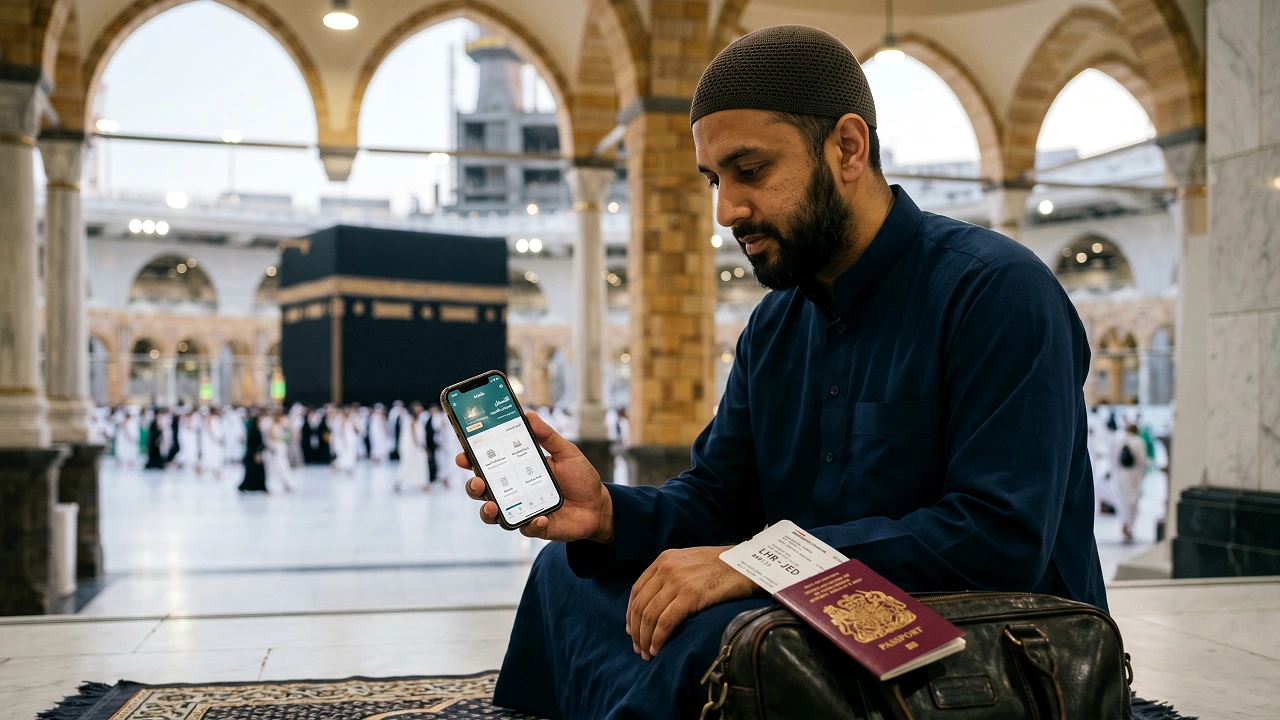
The official Saudi system uses Nusuk for Umrah permits, Rawdah permits, and parts of your trip record. In simple terms, think of it as your digital pass. Without the right booking in the app, you may not be allowed into Masjid al-Haram for your Umrah slot.
We've seen pilgrims assume the visa is enough. It isn't. Your visa lets you travel. Your permit inside the Nusuk app helps you access the right services once you're there.
That matters even more in busy times. For example, school holidays, December travel, and Ramadan dates get packed fast. If you're still deciding when to go, our guide on the best time to perform Umrah 2026 can help you pick a calmer period.
What Is the Nusuk App? – Everything UK Pilgrims Need to Know
Let's keep this simple.
Nusuk is the official Saudi platform for Umrah and Hajj services. It replaced the old Eatmarna app. The app is free, and you can use it on iPhone, Android, or on the web through nusuk.sa.
Here are the key facts:
| Question | Answer |
|---|---|
| Who runs it? | Ministry of Hajj and Umrah, Saudi Arabia |
| Is it mandatory? | Yes, for Umrah-related permit access |
| What can you do in it? | Book Umrah permit, book Rawdah permit, manage parts of your trip |
| Does it cost anything? | No, it is free |
| What did it replace? | Eatmarna |
| Languages | Arabic and English |
And here's the thing. Many blogs explain what Nusuk is, but not how it behaves for UK users. That is where people get stuck. UK phone numbers, British passport entry, and time zone confusion cause most of the trouble.
If you're still planning the wider trip, our complete Umrah guide gives you the full picture from visa to return flight.
How to Download the Nusuk App – iPhone & Android
First, get the right app.
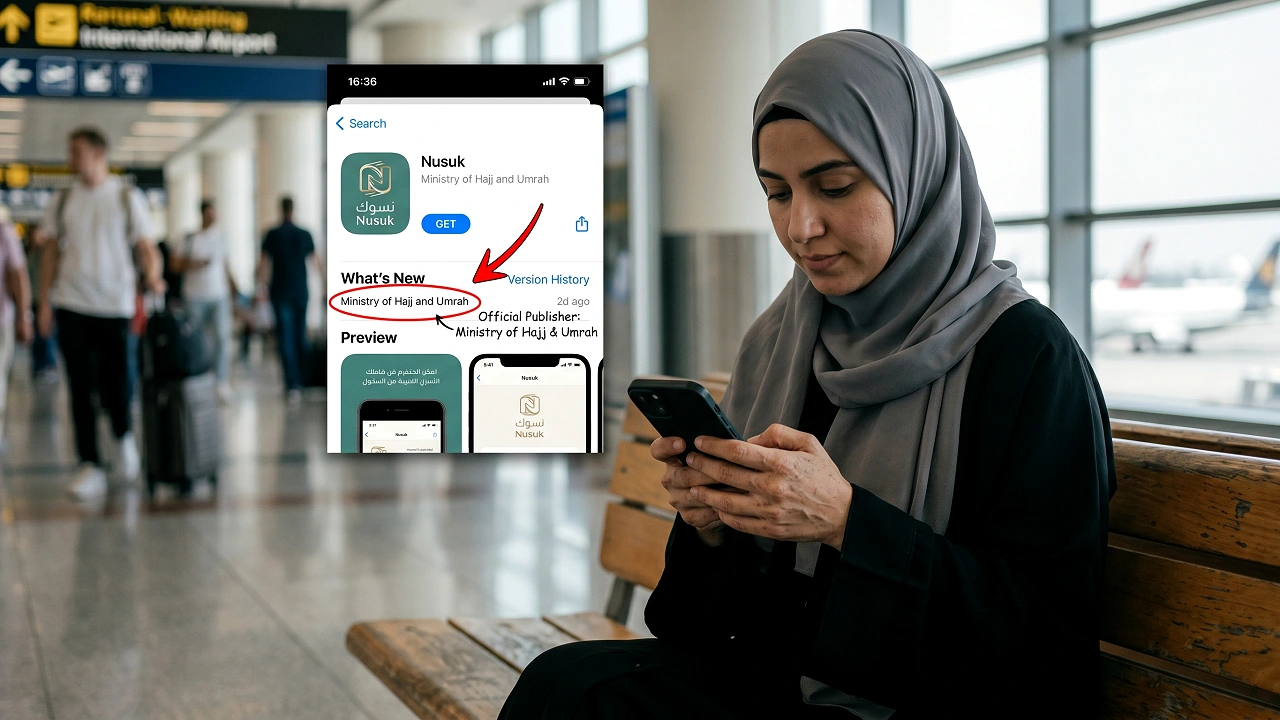
Search for Nusuk on the Apple App Store or Google Play Store. Check the publisher carefully. It should show the Ministry of Hajj and Umrah, or the Arabic version: وزارة الحج والعمرة.
Use this quick check:
| Device | Where to get it | What to search | What to check |
|---|---|---|---|
| iPhone | Apple App Store | Nusuk | Publisher is Ministry of Hajj and Umrah |
| Android | Google Play | Nusuk or نسك | Publisher is وزارة الحج والعمرة |
| Web | Browser | nusuk.sa | Official site |
Be careful here.
There are fake or confusing copycat apps. If you're unsure, use the official website at haj.gov.sa to confirm official Saudi guidance, then go to the real platform.
Before you move on, update your phone too. A lot of app crashes happen on older software. We see that more than people expect.
How to Register on the Nusuk App – Step by Step (UK Pilgrims)
This is the part most people need.
Set aside 10 to 15 minutes. Have your passport, visa details, email, and phone ready. Also keep your ACWY vaccination proof nearby. If you haven't sorted your travel items yet, our Umrah packing list from the UK is handy before departure.
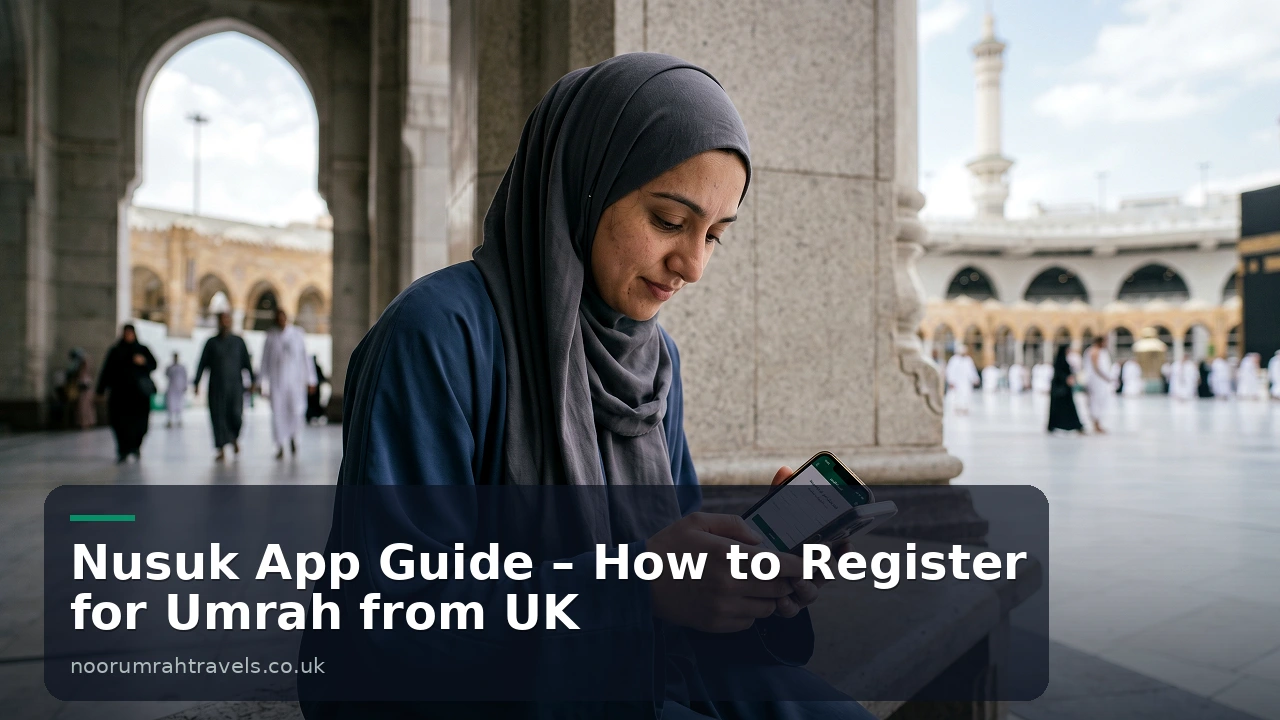
Step 1: Open the app and tap Create Account
Choose the visitor option if you're travelling from the UK for Umrah. Most first-time users miss this. Then they end up in the wrong account path.
Step 2: Enter your personal details exactly as shown on your passport
This part must match.
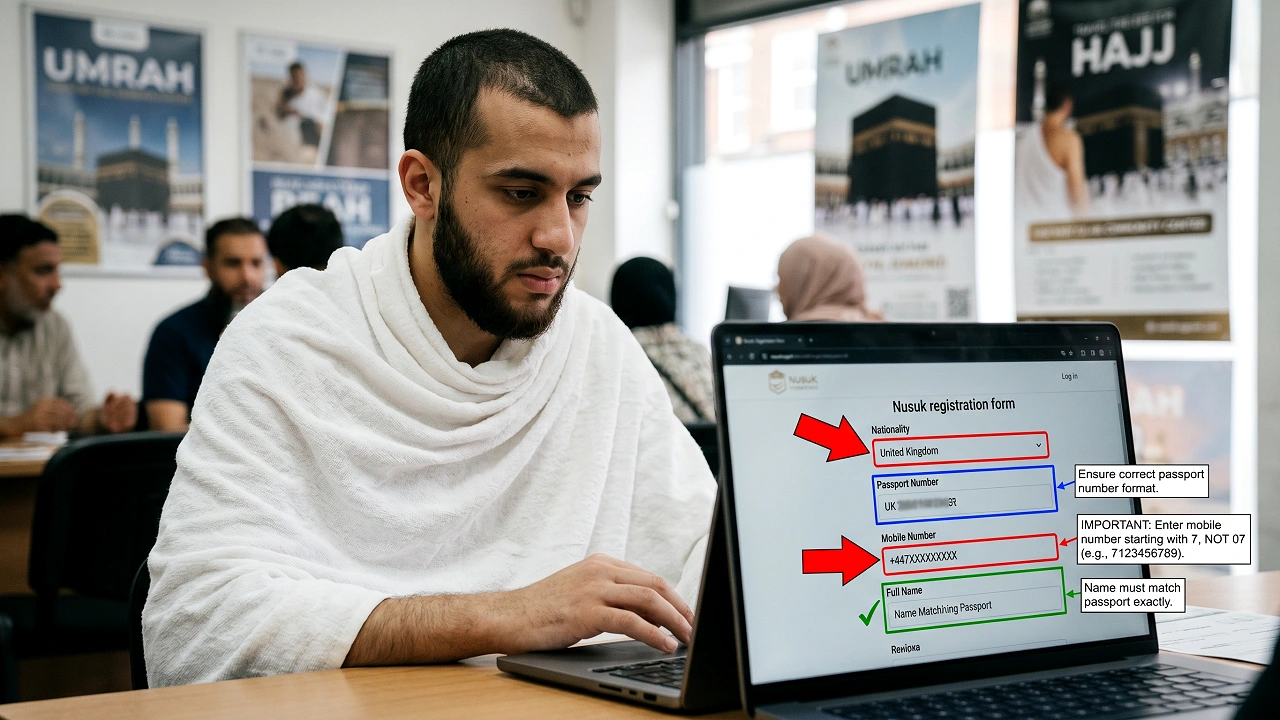
- Full name: enter it exactly as on your passport, including middle names
- Passport number: no spaces, no dashes
- Nationality: try United Kingdom first
- Date of birth: double-check the date format shown
- Email: use one you can access right away
- Mobile number: use +447XXXXXXXXX, not 07XXXXXXXXX
The phone number format is a big one. UK pilgrims often keep the first zero. That breaks the SMS verification. So if your number is 07912 345678, enter it as +447912345678.
Step 3: Verify your account with OTP
This is where many users get annoyed.
The app may send the OTP by SMS or email. In our experience, email is more reliable for UK users. So if the text message doesn't arrive after a few minutes, switch to email verification instead.
Step 4: Upload your documents
You may be asked for:
- Passport photo page
- Visa or eVisa details
- Vaccination proof, especially ACWY
Make sure the passport image is bright and sharp. No cropped corners. No glare. A plain background helps if you're taking a photo instead of uploading a scan.
If you're still sorting visa steps, read how to apply for Umrah visa from the UK without mistakes. It saves a lot of back and forth.
Step 5: Wait for verification
Now you wait.
Some accounts verify fast. Others take 24 to 72 hours, especially if your visa record has only just been issued. If the account looks incomplete, give it a bit of time before trying again.
Step 6: Log in and book your permit
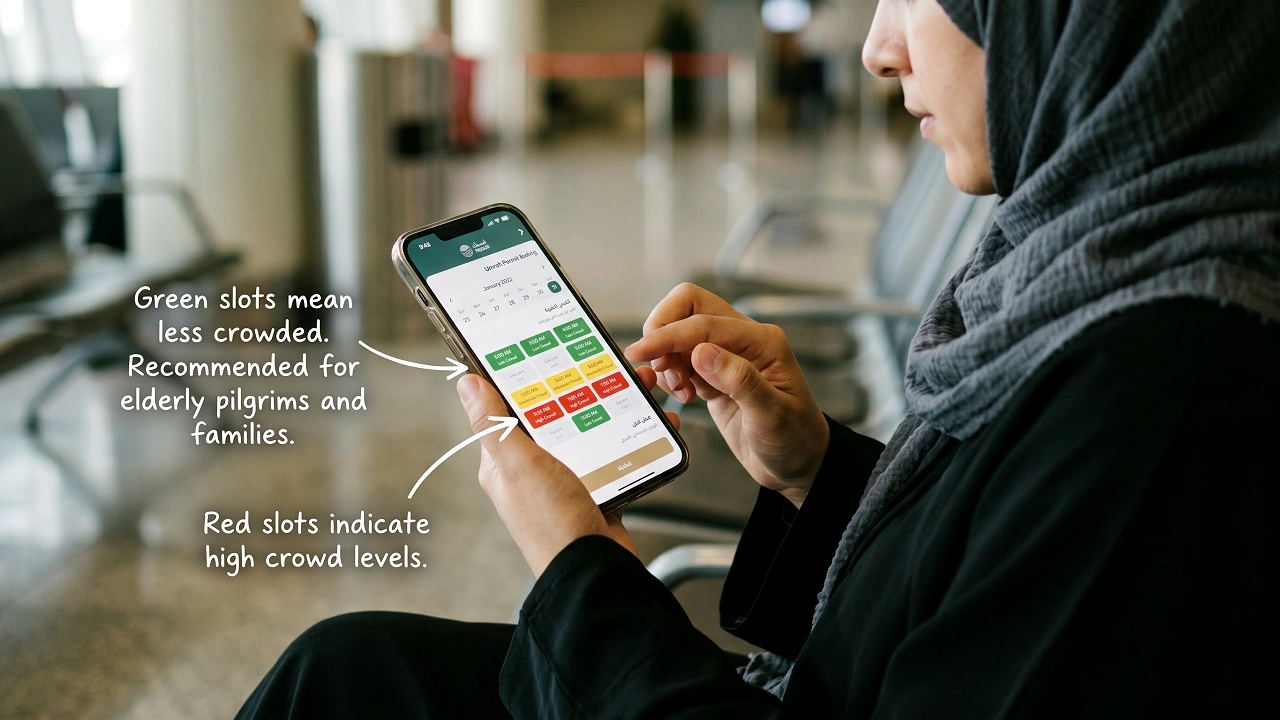
Once you're in, go to the section for Holy Mosque Services and choose Umrah. Then pick the pilgrim, date, and time. Green slots are usually less crowded. Choose those if you can.
And please do one more thing. Screenshot your QR code. Always. If your mobile signal drops near the Haram, that screenshot can save you a lot of stress.
Nusuk Login – How to Access Your Account
Let's log you in.
To do a proper Nusuk login, open the app or web version and tap Login. Then enter your email or passport-linked details, add your password, and complete any extra verification step that appears.
- Open Nusuk
- Tap Login
- Enter your email or passport-linked account details
- Enter your password
- Complete the verification step if asked
If you've forgotten your password, use the reset option. Check your junk folder too. We get asked this a lot, and the reset email often lands there.
If login keeps looping, don't keep trying the same thing 15 times. Clear the app cache, reinstall it, or use the web version. That usually fixes it.
For broader trip planning, you may also want to compare Umrah packages UK 2026 if you're not yet booked.
How to Book Your Umrah Permit on Nusuk
This part is quick.
Once your account is active, booking your Umrah permit should only take a minute or two.
- Open the app
- Go to Holy Mosque Services
- Select Umrah
- Choose the pilgrim or family member
- Select a date and time slot
- Confirm the booking
- Save the QR code
The colour codes matter:
- Green: lighter crowd
- Yellow: medium crowd
- Red: busy
We always tell our pilgrims the same thing. Book your permit for your first realistic day in Makkah, not the day you hope to arrive if your travel is tight. Flights, immigration, and transfer delays happen.
If you want help with the route after landing, our Jeddah Airport to Makkah guide explains what to expect after you land in Saudi Arabia.
How to Book a Rawdah Permit on Nusuk – Step by Step
This one confuses people most.
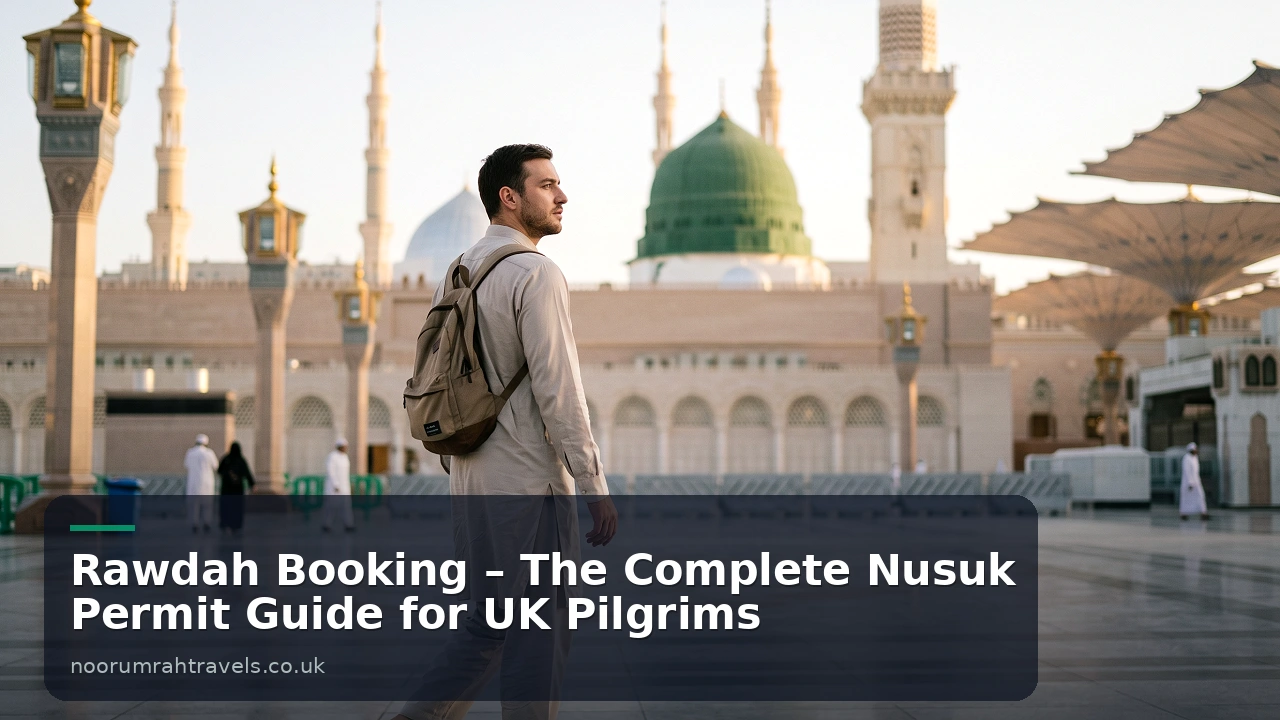
The Rawdah in Masjid Nabawi, Madinah is a separate booking. Your Umrah permit does not cover it. So if you're visiting Madinah after Makkah, you need to book this on its own in the app.
- Open Nusuk
- Go to Prophet's Mosque Services
- Select Rawdah Visit
- Choose the date and time
- Confirm and save the QR code
Important points:
- Slots are very limited
- You may only get one permit in a long period
- Check at different times of day
- Saudi time is GMT+3, so UK users often miss fresh slot releases
Now, here's the thing. A lot of UK pilgrims check once, see nothing, and give up. Don't. Try late evening UK time and also early morning UK time. That lines up better with Saudi release patterns.
If you're staying in Madinah, our guide to best hotels near Masjid Nabawi can help you choose a stay close to the mosque.
And if you want to understand the city better before you go, see our places to visit in Madinah guide too.
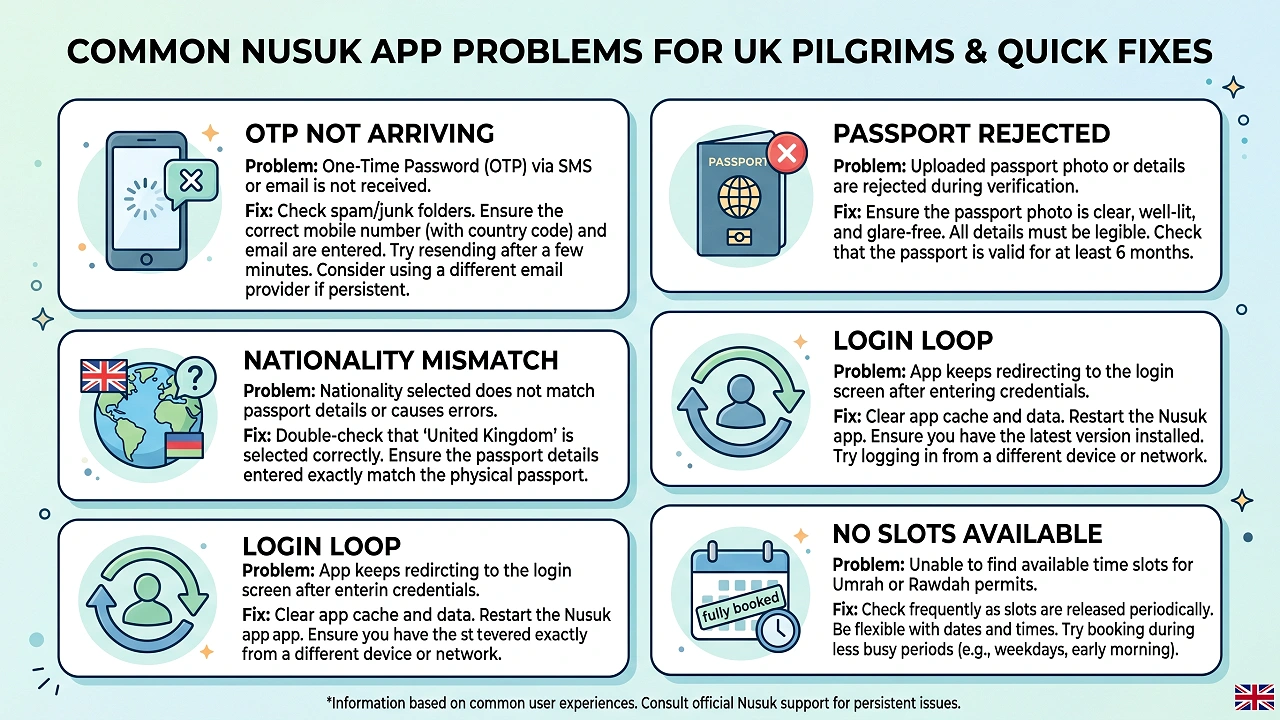
Nusuk App Not Working? – Common Problems & Fixes for UK Pilgrims
Let's fix the common ones.
This is the section our clients save to their phones. Because once you're in Saudi Arabia, you don't want to be searching forums while standing outside your hotel.
| Problem | Why it happens | Fix |
|---|---|---|
| OTP not arriving | Wrong UK number format or SMS delay | Use +447 format and switch to email OTP |
| Passport rejected | Spaces, wrong letters, poor image | Enter exactly as printed, no spaces, clearer upload |
| Nationality not found | Dropdown varies by app version | Try United Kingdom, Great Britain, or British |
| Verification failed | Name mismatch | Match passport exactly, including middle names |
| App crashes | Old version or cache issue | Update, clear cache, reinstall |
| No dates available | Peak season demand | Check again at Saudi peak release times |
| Login loop | Cached session error | Clear app data or use web version |
| QR code not loading | Weak internet | Screenshot it as soon as it appears |
OTP not arriving on a UK number
This is the number one issue.
Use +44 and remove the first zero. Then wait a few minutes. If nothing comes, switch to email. To be honest, that's usually the fastest fix.
Passport number rejected
Don't add spaces. Don't guess.
Type it exactly as printed. Also check that the name order matches your passport. A family we helped last Ramadan had this issue because one middle name was missing. That alone blocked verification.
No permit slots available
Keep checking.
Busy dates fill fast, especially in Ramadan, school holidays, and December. If you're travelling then, our Ramadan Umrah packages UK guide explains how demand changes and why planning early matters.
App keeps crashing
Update it first.
Then clear cache, restart your phone, and try again. If it still fails, use the web version. That often works when the app doesn't.
If none of that helps, use the support options inside the app, live chat on the website, or email support@nusuk.sa. For health prep before travel, it's also wise to check current advice from NHS before you fly.
Do You Need to Register on Nusuk Yourself? – Travel Agent vs DIY
It depends how you book.
If you book a package with a trusted UK agency, much of the setup support is easier. Our team helps pilgrims with visa steps, document checks, and pre-departure guidance. But even then, you still need the app on your own phone for live QR codes and permit access.
| Booking style | Who handles what? |
|---|---|
| Package booking | Agent often helps with visa and setup guidance |
| DIY booking | You handle all registration and troubleshooting |
| Daily permit use | You still need the app yourself |
So yes, an agent helps. But no one can carry your QR code for you once you're there.
If you want us to help with the wider planning, you can get a free Umrah quote or browse our packages. If you're comparing options by hotel level, see our 5 star Umrah packages or our shorter 10 Days 4 Star Umrah Package.
Frequently Asked Questions – Nusuk App for UK Pilgrims
Here are the questions we hear most.
Is the Nusuk app mandatory for Umrah?
Yes. For practical purposes, every pilgrim should treat it as mandatory. You need the right permit access and QR code flow for Umrah services. Without that, your trip can become stressful very fast.
How do I do a Nusuk login if I forgot my password?
Use the Forgot Password option on the app or web login page. Then check your email, including junk and spam folders. If the reset mail still doesn't show, wait a few minutes and try again.
How do I register on the Nusuk app with a UK passport?
Choose Visitor, then enter your details exactly as shown on your British passport. Use your full name, correct passport number, and a UK mobile in +44 format. Email verification is often the easiest route.
Why is my UK phone number not getting the OTP?
This usually happens because the number is entered as 07 instead of +447. It can also be a delay on international SMS. Email OTP is often more reliable, and that's the fix we suggest first.
How do I get an Umrah permit on Nusuk?
Log in, go to Holy Mosque Services, choose Umrah, pick the pilgrim, then select a date and time. Confirm the booking and save the QR code. That's the code you should screenshot.
Can I book Rawdah on the Nusuk app too?
Yes, but it is a separate booking. Go to Prophet's Mosque Services and choose Rawdah Visit. Slots can disappear fast, so keep checking if none appear at first.
What if no dates are available in the Nusuk app?
Don't panic. This happens a lot in peak season. Check again at different times, especially when Saudi time is ahead of the UK by a few hours. Early UK mornings can help.
Do I need the QR code at Jeddah airport?
Not usually for immigration. Your visa and travel documents matter there. But once you reach Makkah, your permit and QR code become important for Umrah access, so keep them ready.
What if the app crashes in Saudi Arabia?
First, use your screenshot backup if you already booked the permit. Then update the app, clear cache, or use the web version. This is exactly why we tell pilgrims to save copies before leaving the hotel.
Does Noor Umrah Travels help with Nusuk?
Yes, we guide our pilgrims through the process before departure. We can't promise to control every live slot in the app, but we do help you avoid the common mistakes that waste time.
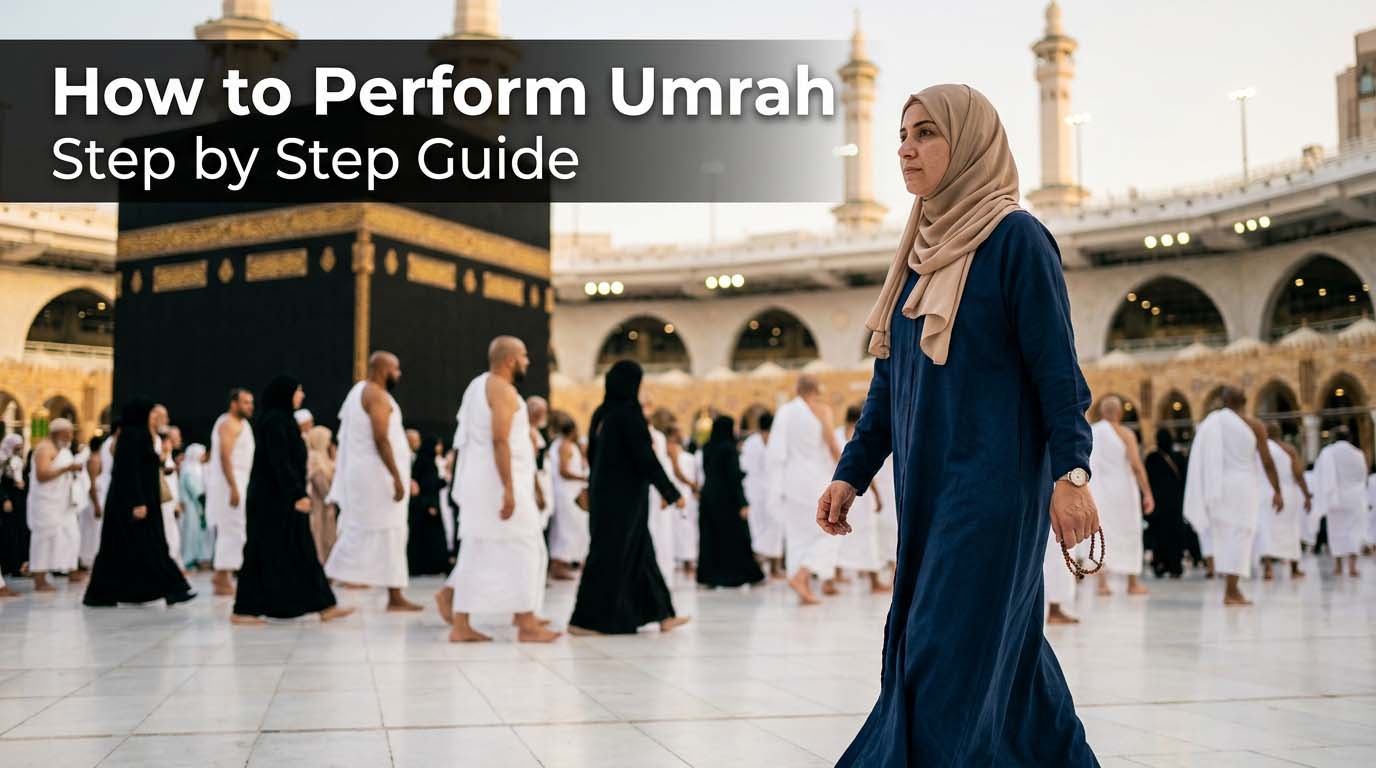
If you're new to the rites themselves, read our guide on how to perform Umrah step by step. It pairs well with this article.
Final tips before you travel
Keep it simple.
Download the app early. Register before you fly. Use your passport details exactly as printed. Use +44 for your phone. And screenshot every QR code the moment it appears.
Also, don't leave the rest of your planning to chance. Check your budget with our Umrah cost from UK guide, sort your clothes with our what to wear for Umrah guide, and make sure your route after landing is clear with our Jeddah airport to Makkah guide.
The truth is, the Nusuk app isn't hard once you know the steps. And if you'd rather not figure it all out alone, speak to our team. We'll help you plan the trip properly, insha'Allah.
Helpful next steps for UK pilgrims
If you want to turn this advice into a clear plan, the pages below will help you go one step further. They cover the wider rules, package choices, checklists, and practical travel points that usually come up after you finish a guide like this one.
- Hajj Packages UK 2026 This pillar page gives you the full background, key rules, and step-by-step context around this topic. It is the best place to go if you want the bigger picture before you make any travel decisions. It is especially helpful if you are looking for hajj packages uk.
- Bradford Economy 3 Star 10 Nights Umrah Package from UK This page is useful when you want real options, package details, hotel information, and practical UK departure planning. It helps you compare what is available instead of staying at the research stage.
- How Can You Get a Saudi eVisa from the UK? Complete Application Guide This supporting guide answers a closely related question and adds more detail, examples, or travel tips. It works well as your next read if you want a narrower answer after this main article. It is especially helpful if you are looking for Learn how to get a Saudi eVisa from the UK. Step-by-step guide covering requirements, fees, processing time, and travel tips.
- Umrah Visa Price 2026: Latest Fees for 15 Days, 1 Month & Single Entry Applications This supporting guide answers a closely related question and adds more detail, examples, or travel tips. It works well as your next read if you want a narrower answer after this main article. It is especially helpful if you are looking for Discover the latest Umrah Visa Price 2026 for UK pilgrims. Learn 15-day, 1-month & single entry fees and how to apply for Umrah visa online.
- Bradford Economy 3 Star 14 Nights Umrah Package from UK This page is useful when you want real options, package details, hotel information, and practical UK departure planning. It helps you compare what is available instead of staying at the research stage.
- Bradford Economy 3 Star 21 Nights Umrah Package from UK This page is useful when you want real options, package details, hotel information, and practical UK departure planning. It helps you compare what is available instead of staying at the research stage.
Reading a few of these pages together will give you a fuller view than relying on one article alone. That matters even more when you are comparing routes, costs, rituals, and timing from the UK.
Small planning details make a big difference. A stronger plan usually means fewer rushed decisions, fewer missed steps, and a calmer journey overall. That is why we always suggest reading the core pillar guide, one practical package page, and a few narrower support articles before you book or travel.
Small planning details make a big difference. A stronger plan usually means fewer rushed decisions, fewer missed steps, and a calmer journey overall. That is why we always suggest reading the core pillar guide, one practical package page, and a few narrower support articles before you book or travel.
Small planning details make a big difference. A stronger plan usually means fewer rushed decisions, fewer missed steps, and a calmer journey overall. That is why we always suggest reading the core pillar guide, one practical package page, and a few narrower support articles before you book or travel.